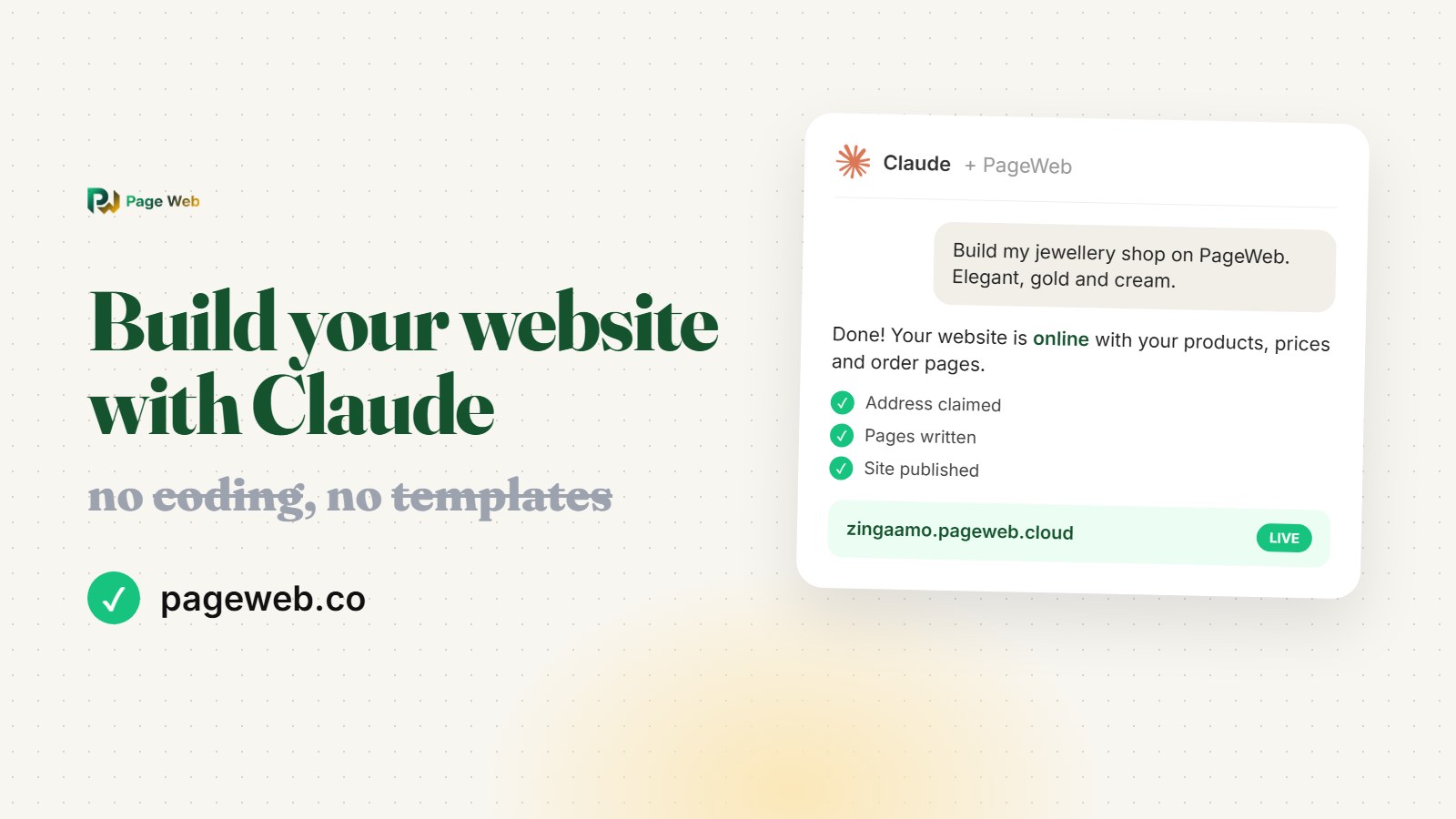
Short answer: with PageWeb, you can build a real business website just by chatting with Claude (Anthropic's AI assistant). You connect Claude to PageWeb once, describe your business in your own words, and Claude writes the pages and publishes them. PageWeb takes care of everything else: hosting, a free yourname.pageweb.cloud address, HTTPS, your products and prices, orders, versions, SEO and your own domain name. You never write a line of code.
Our idea is simple: you already know how to explain your business. That should be enough to get a website. The AI does the writing and the design, PageWeb does the technical part.
📺 Prefer to watch? The full tutorial is on YouTube: Build a Website with Claude AI, No Coding (7 minutes). The same steps with screenshots are in our step-by-step guide.
Key facts
- What it is: a connection between Claude and your PageWeb account, so Claude can build, publish and update your website for you.
- Who it is for: shops, restaurants, hair salons, portfolios, agencies, clothing and jewellery brands. Anyone who can describe what they sell.
- Coding needed: none. You write normal sentences, in English, French or your own language.
- Your address: a free yourname.pageweb.cloud address, claimed by Claude in your name. You can then show the site on your own domain.
- Your products: the site shows your real PageWeb catalog (photos, prices) and each product gets its own page for orders.
- Orders and messages: they arrive in your PageWeb dashboard, like for any PageWeb shop.
- Safety: Claude can never delete anything, send messages to your customers, touch your payments or billing, or buy a domain. You can disconnect it at any time.
- Versions: PageWeb keeps your last published versions. You can restore one or download your whole site as a zip file.
- ChatGPT: it works too, on some ChatGPT plans. Claude is the one we recommend.
- Price: free to start, with a 7-day trial for your AI-built site. Keeping it online, indexed by Google and on your own domain is part of PageWeb Pro (from $4.99 per month).
How it works, step by step
1. Connect Claude to PageWeb (about one minute)
In your PageWeb dashboard, open Connect Claude / ChatGPT in the left menu and click the Claude tile. Claude opens with PageWeb already filled in: there is nothing to copy. Check that the address is https://pageweb.co/mcp, click Add, then Connect.
PageWeb then shows you, in plain words, what Claude will be able to do and what it can never do. If you agree, click Allow. That's it: Claude is connected to your account.
2. Claim your free address
Write to Claude: "Build my website on PageWeb. Ask me for the address first." Give it the name you want. Claude checks that it is free and claims it for you, for example zingaamo.pageweb.cloud. Choose it carefully: it can't be changed later, so keep it short and easy to say.
3. Describe your website
This is the only real work, and it is the work you already know: talking about your business. A good request gives Claude four things:
- your business and your customers,
- your style and colors,
- the sections you want (products, about us, contact, opening hours...),
- what Claude must not invent: reviews, numbers, promises.
Then ask it to publish the site when it's ready.
4. Claude builds and publishes
Claude reads PageWeb's rules, gets your catalog, writes your pages and sends the files to PageWeb. After a minute or two, it gives you your website address and a summary of what it created. Your products appear with their photos and prices, and orders and messages from the site arrive in your PageWeb dashboard.
5. Change anything with one sentence
Want a different color, a big photo at the top, new opening hours? Just tell Claude what you see and what you want, and ask it to publish. Later, even in a brand new conversation, one sentence is enough: "Update my website on PageWeb. First show me what is online, then ask me what to change."
6. Add products with AI
Give Claude a product's name and price and ask for a nice description. The product is created as a hidden draft: you add a good photo in PageWeb, switch it on, and it appears on your site. Nothing goes public without you.
7. Use your own domain name
Already own a domain? Connect it in Domains. No domain yet? Buy one right inside PageWeb. Then, in Your own domain, click Show my site on this domain. Your classic PageWeb shop stays available, and you can switch back at any time.
Why it is simpler than the alternatives
There are many ways to get a website with AI today. Here is how they compare for a small business owner who wants to sell, not to learn a new tool.
| Classic website builders | AI code generators | Claude + PageWeb | |
|---|---|---|---|
| How you build | Drag and drop in their editor, often starting from a template | Chat, but the result is a software project | Chat with the AI you already use |
| Design | Looks like the template | Unique | Unique, made for your business |
| Hosting, address, HTTPS | Included | Often up to you to set up | Included, automatic |
| Products, orders, customer messages | Often extra plans or apps | You must build or plug in a database | Your PageWeb catalog and dashboard, already there |
| SEO for Google and AI assistants | Settings and plugins to configure | Up to you | Added automatically by PageWeb |
| Safety limits on the AI | Not applicable | The AI can change anything in the project | Can't delete, message customers or touch payments |
| Undo a mistake | Depends on the plan | Version control knowledge helps | Restore a published version in one click |
The difference comes down to one thing: the AI only does the creative part. Everything that usually breaks small business websites (hosting, certificates, catalog, orders, backups, search engine setup) is handled by PageWeb, the same way it already is for thousands of PageWeb shops. And because the design is written for you, your site doesn't look like the template everyone else picked.
Built to be found on Google and by AI assistants
More and more customers don't search on Google anymore: they ask ChatGPT, Claude or Perplexity "where can I buy gold jewellery in Abidjan?". Those assistants can only recommend a business they can read. That's why PageWeb adds, on every published AI-built site:
- your SEO title and description from your PageWeb settings,
- structured data (schema.org) describing your business, your products and your services, so search engines and AI assistants understand what you sell,
- one page per product with its own title, photo and price,
- a sitemap.xml and an llms.txt file (a short summary written for AI assistants),
- a correct canonical address (your own domain when you use one) and share previews for WhatsApp, Facebook and X.
You don't configure any of it. Claude is also told to put your key information directly in the page text, not hidden in scripts, so crawlers see it. To learn more about how PageWeb handles SEO, read SEO built in: no plugins, no extra cost.
Pro tips for a better result
- Be specific. "A jewellery shop for young women in Abidjan, gold and cream colors, elegant" beats "a nice shop".
- Forbid inventions. Ask Claude not to invent reviews, numbers or awards. Real facts sell better.
- Work in small steps. One change, publish, check. Small steps are easier to review.
- Check the phone view. In Connect Claude / ChatGPT, switch the preview to Phone view: most of your customers will visit on a phone.
- Something wrong? In Address and status, click Check my site, copy the report and give it to Claude so it can fix the problem.
Frequently asked questions
Do I need to know how to code to build a website with Claude?
No. You only write normal sentences. Claude writes the code and PageWeb publishes it. You never see or edit a file unless you want to.
Is building a website with Claude on PageWeb free?
It is free to start: you can connect Claude, claim your free pageweb.cloud address and publish, with a 7-day trial for the AI-built site. Keeping it online, letting Google index it and using your own domain name are part of PageWeb Pro, from $4.99 per month.
Can Claude delete my products or contact my customers?
No. Through PageWeb, Claude can never delete anything, send messages to your customers, touch your payments or billing, or buy a domain. New products it creates stay hidden drafts until you publish them. You can disconnect Claude at any time in Account settings, then Your AI assistants.
Does it work with ChatGPT?
Yes, on ChatGPT plans that allow custom connectors (MCP). Choose ChatGPT in PageWeb, copy the address shown, add it in ChatGPT and click Allow on the PageWeb screen. We recommend Claude for the smoothest experience.
Will my website look like a template?
No. Claude writes the design for your business from your description, so each site is different. PageWeb only provides the data (products, prices, hours) and the technical layer.
Where do orders from my AI-built website go?
To your PageWeb dashboard, like orders and messages from any PageWeb shop. Each product on the site has its own page where customers can order.
Can I use my own domain name?
Yes. Connect a domain you already own, or buy one inside PageWeb, then click "Show my site on this domain" in Your own domain. You can switch back to your classic PageWeb shop at any time. Using your own domain is part of PageWeb Pro.
What if Claude makes a mistake?
Ask it to fix it in one sentence, or restore an earlier version in Versions and files. PageWeb keeps your last published versions and lets you download the whole site as a zip file.
Will ChatGPT, Claude and Google find my business?
PageWeb gives them what they need to read your site: structured data, a page per product, a sitemap and an llms.txt summary, plus your own SEO title and description. Sites in their trial period are kept out of search engines; once your site is on Pro, it can be indexed.
Your turn
Open your PageWeb dashboard, click Connect Claude / ChatGPT, and describe the website you've always wanted. Watch the 7-minute tutorial if you want to see every step first, and compare PageWeb with other platforms in PageWeb vs Shopify vs Wix.